
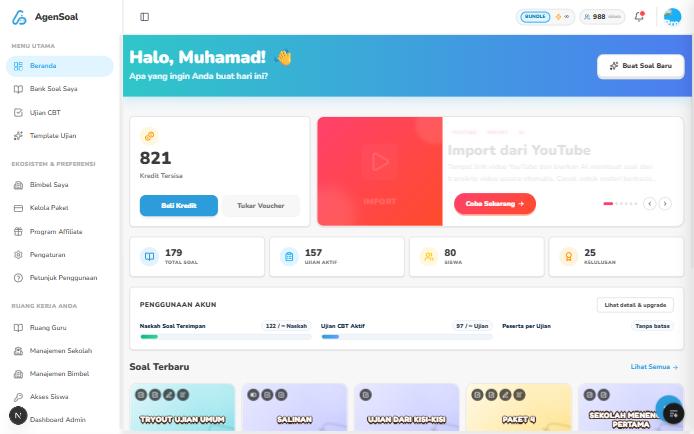
The short version
1
Create questions
Use AI, or import from a document, a YouTube video, or a Google Form.
2
Keep them in the Question Bank
All your question sets live in one place and can be filtered and searched.
3
Publish as an exam
Set the timing, access, and scoring, then share it with participants.
Where to start
Create your first exam
From questions to an exam ready to share.
How to create questions
The five ways to create questions in AgenSoal.
Publish an exam
Every exam setting explained one by one.
Import questions
From documents, photos, YouTube, and Google Forms.
Plans, credits, and balance
How AI credits and subscription plans work.
Tutoring center portal
Manage classes, students, vouchers, and portal look.
Teacher workspace
Teaching tools and AI lesson modules for teachers.
Need more help? Reach us through agensoal.com.